
3 easy steps to exporting stems in Reaper for Professional Online Mixing and Mastering Services.
- Go to the File.
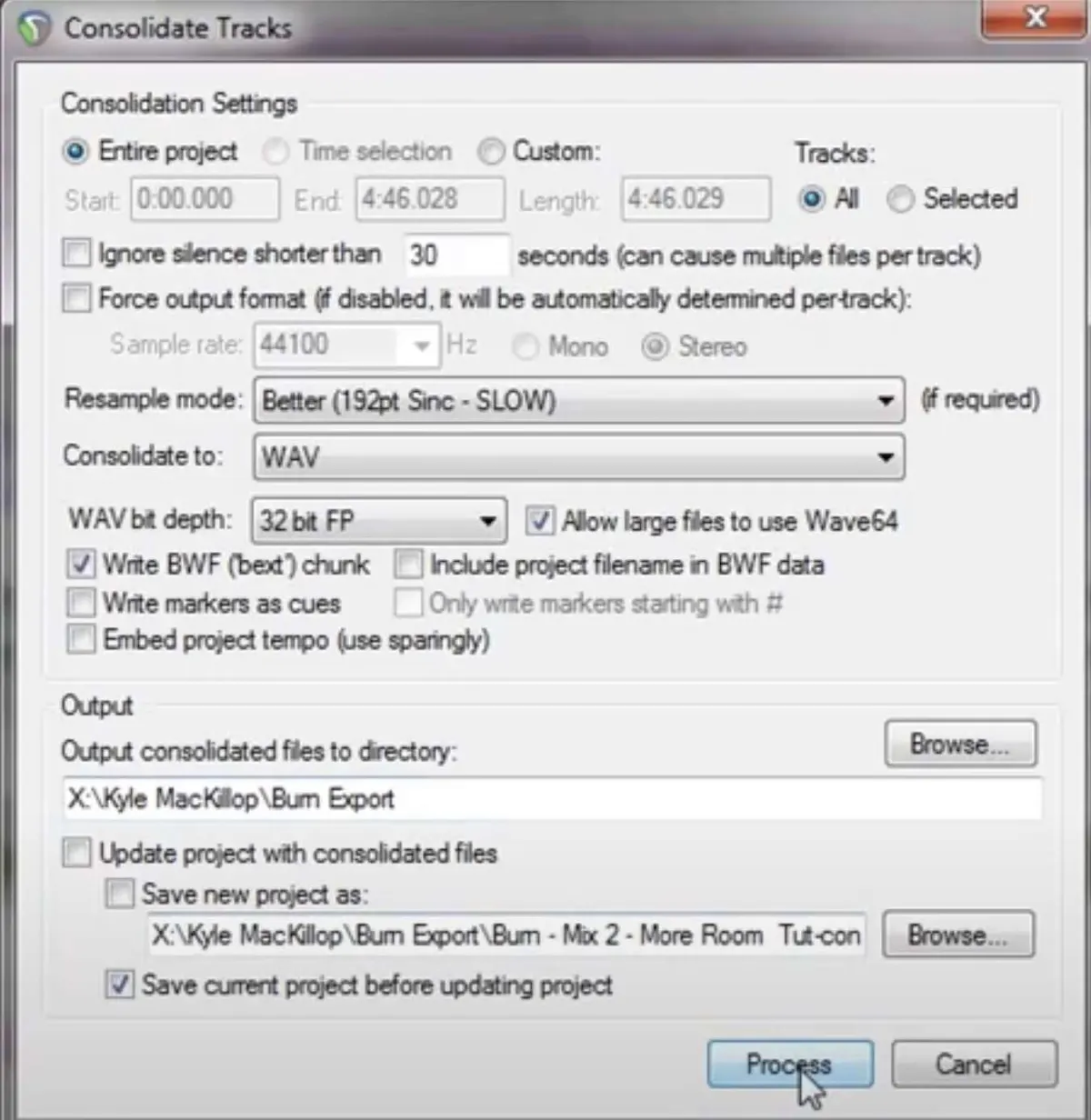
- Consolidate/ Export tracks..
- Copy settings below in picture:
After exporting your stems you can then upload your zip file here at Audiomixingmastering.com/upload for professional online mixing and mastering services for an affordable rate.
Listen to our before and after samples here at Audiomixingmastering.com/samples to hear the difference for yourself.
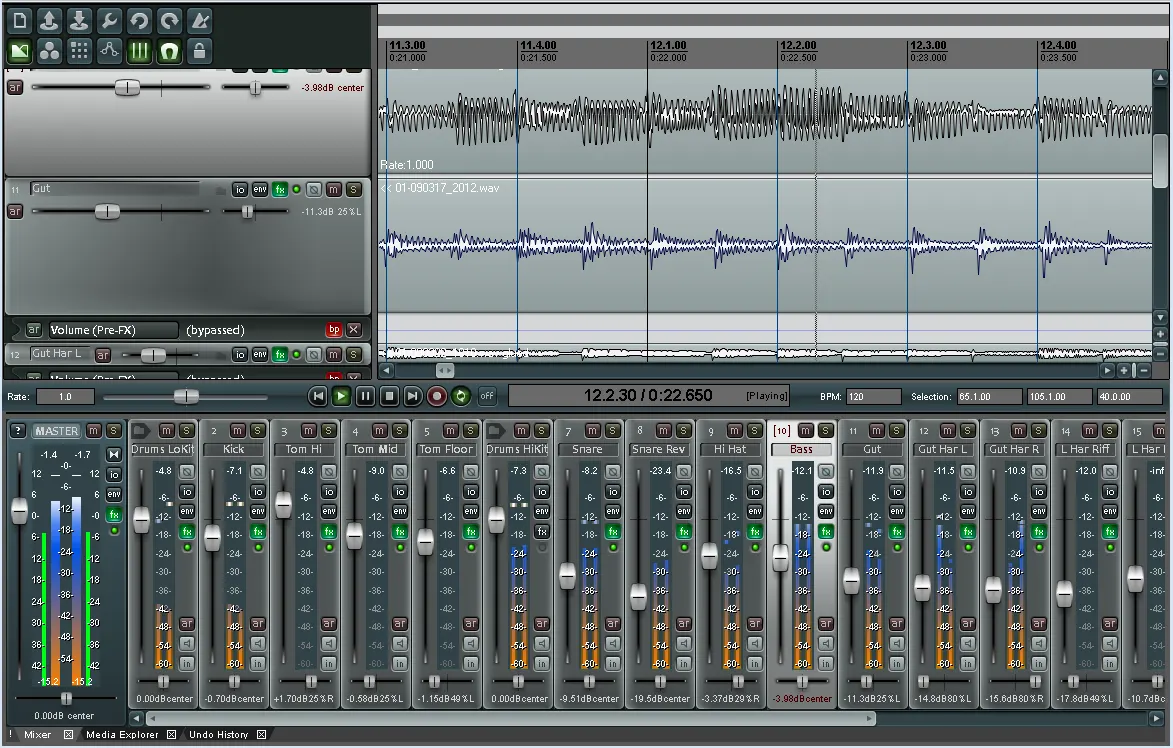
Reaper Stems, Pro Results
Reaper's render matrix is the most flexible stem exporter in any DAW, and well-organized stems are exactly what mixing services are built around. Render, verify the lengths match, and send.