
modify modify modify.
Recommended Settings:
Attack: 1-10 ms (Fast)
Release: 25-50 ms (Fast)
Ratio: 4:1 to 10:1 (High)
Set the Threshold low enough to attenuate the Peaks. This way, your recording will sound more consistent and will sit better in the mix. The Threshold level will depends on how much you want to attenuate those peaks.
2. To add PUNCH to your Mix.
Recommended Settings:
Attack: 30+ ms
Release: Slower (100+ ms) or based on the tempo of the song
Ratio: 2:1 (Low) to 4:1
Threshold: Set the Threshold low enough to get Gain Reduction. The amount of Gain Reduction is up to you, it depends on the on the sound and vibe you're looking for.
3. To GLUE Instruments or your Mix together.
Recommended Settings:
Attack: 30-60 ms
Release: 100+ ms or Auto-Release can also work
Ratio: Low Ratio 1.5:1 to 2:1
Threshold: Set your threshold to get around 1-2 dB of gain reduction.
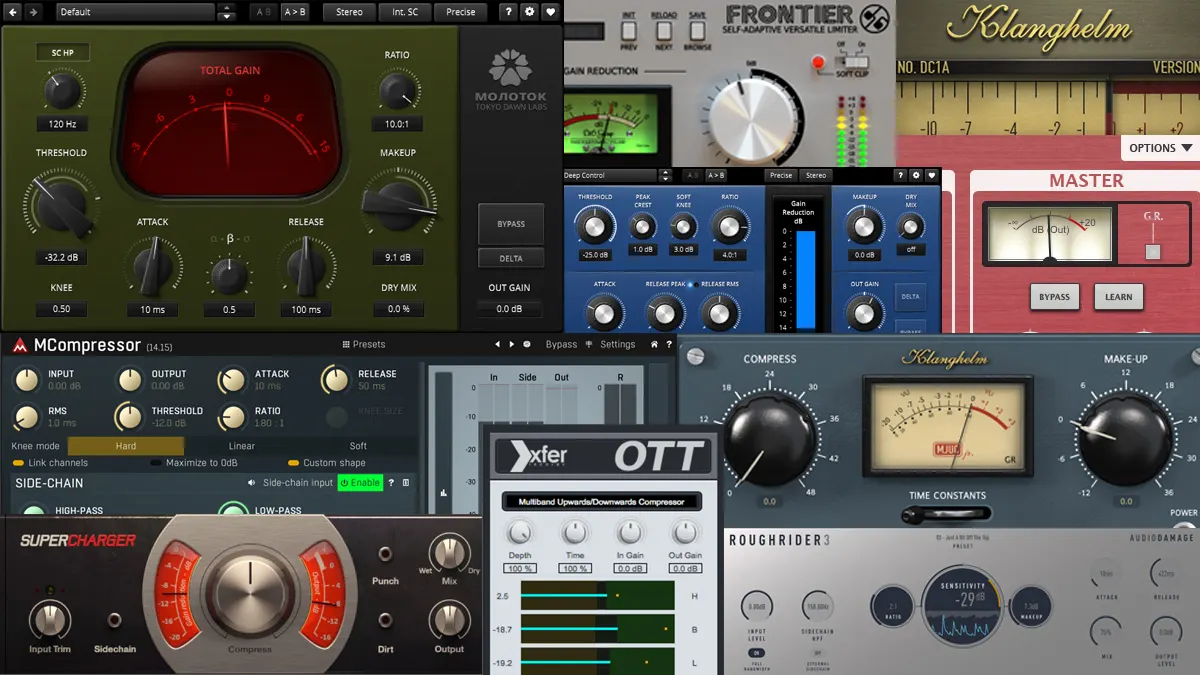
Settings Are Starting Points
Treat every chart above as a doorway, not a destination: each source's dynamic range, each song's tempo, and each sound design goal moves the dials. In music production the compressor is an instrument, these settings just tune it before you play.
Matching Settings to the Source
Fast attack and release times tame sharp transients like snares and plucked bass, while slower settings let a vocal or a full mix bus breathe and glue together. A gentle ratio around two to one shapes dynamics transparently, whereas higher ratios are better saved for control rather than tone. Start with a modest gain-reduction target of a few decibels, then adjust to taste, since over-compressing flattens the life out of a performance faster than most people expect.